
edid.
Case study 09/10 — 2023
Creation of a quick and comprehensive photo editing device for professional photographers and casual users on the go.
- Year
- 2023
- Disciplines
- UX/UI, Prototyping, Arduino, Product Design
- Team
- Jens Riesenberg, Bich Trang Vu-Thi, Isabell Kaletka
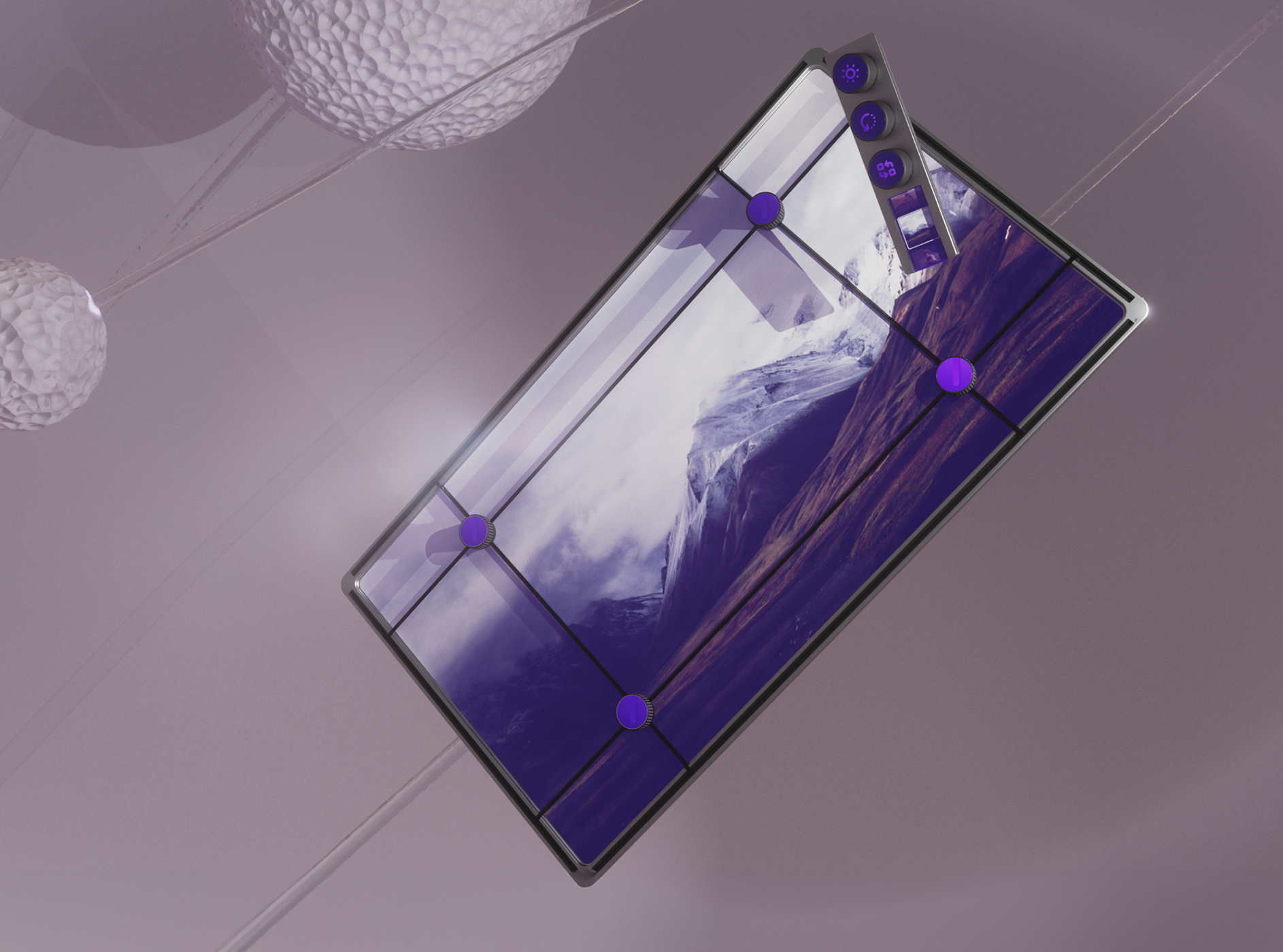
This project aimed to design a conceptual product that can help professional photographers edit their pictures quickly. The product is a portable and customizable device that offers the most essential photo editing functions, such as cropping, rotating, brightness, etc. I was responsible for developing the concept and the interaction principles, as well as creating the renderings of the product and a functional prototype.
- 14″ main screen that shows the image being edited
- 3 multifunction rotary knobs on the magnetic sidebar
- 2 extra small screens for zoomed detail and the album
The situation.
Almost all photographers, from seasoned professionals to enthusiastic beginners, rely on Lightroom for post-processing their photos.
Whether you use Lightroom Classic with its familiar interface or the streamlined Lightroom, the core functionality remains the same. However, tasks like quick edits with pre-made filters, precise image cropping, and perspective adjustments can be more time-consuming than necessary. This is where our product, edid, comes in. We aim to significantly reduce the editing time photographers spend and offer a tool that's fast, accurate, and portable for on-the-go editing.
The idea.
Since we were venturing into uncharted territory at the beginning of this project, there weren't any existing products that quite fit our needs.
So, we started from scratch, brainstorming entirely new concepts. Natural movements were a big priority for us, because we wanted the product to feel intuitive and easy to use. The first prototypes we came up with included the idea of editing gloves and the frame principle you see on the right. This frame basically takes the cropping tool you'd find in editing software and brings it to the real world.We built several paper prototypes with our ideas and tried the concepts on our own.
The making.
We were convinced that the frame principle was the most intuitive way to use the product, so we kept working on it.
We created a more detailed prototype based on the original paper prototype. We then conducted user tests with some students. The results were very positive: the basic idea worked really well, but we still had some work to do to create a finished product.
The outcome.
After many iterations, we have finalized the design of edid.
It is a portable device with a 14-inch screen that displays the image to be edited. The user can crop the image by moving the handles that rest on the screen. To enable fine adjustments, there is a smaller screen above that shows the underlying section in an enlarged view. The upper part of the handles can be rotated to correct perspective distortion, and they can also be pressed to lock the handles in place.
The screen is accompanied by a sidebar that can be magnetically attached to any point on the frame. It has three multifunction rotary knobs that can be used to adjust brightness, contrast, and saturation, for example. If they are pressed and turned at the same time, they can be used to cycle through other settings. A second smaller screen is attached to the bottom of the sidebar, which displays the previous and next image in the album.
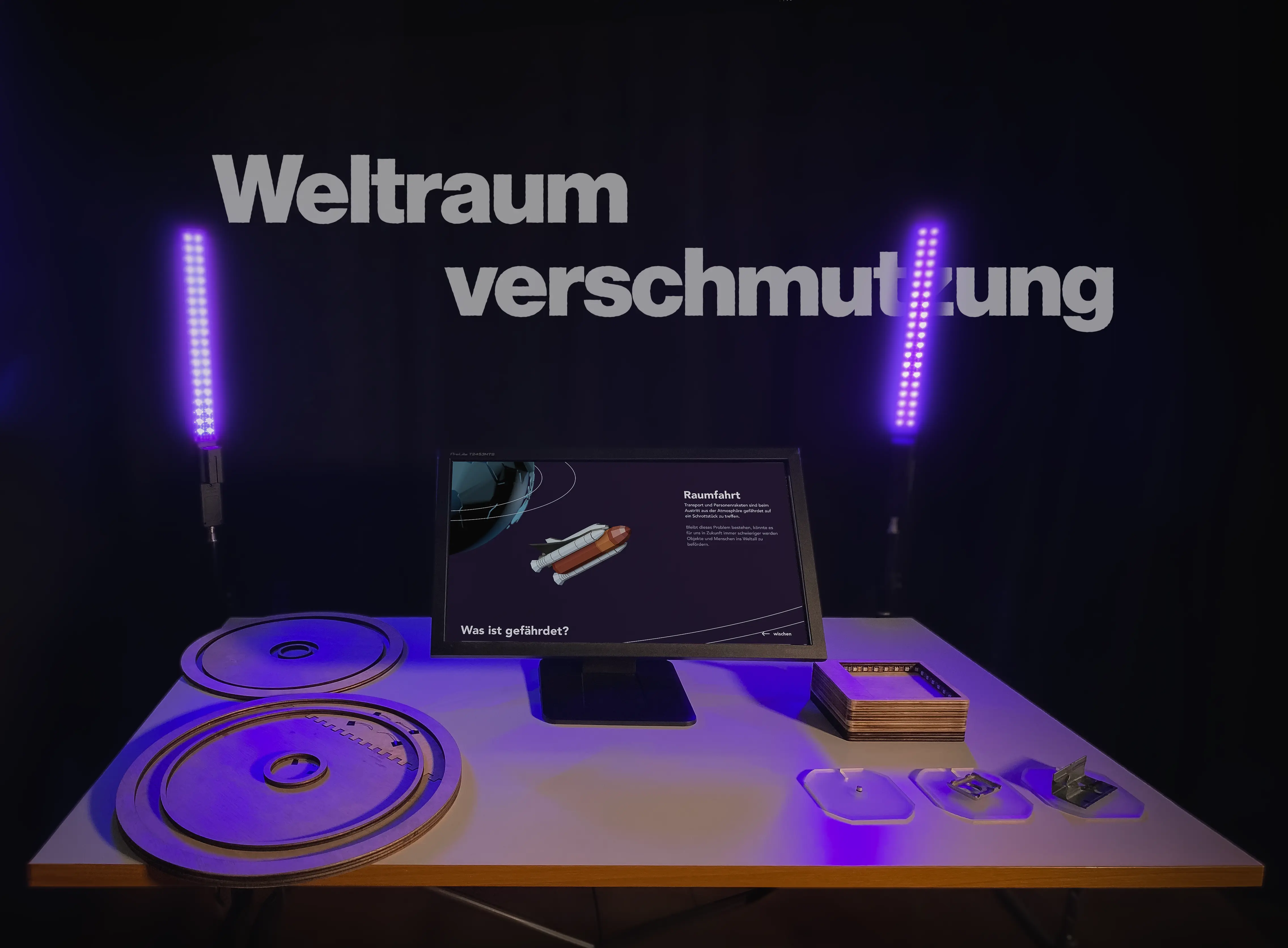 Next frame — 10/10 An interactive installation that raises awareness for the dangers that might forever keep us from exploring the universe. View project